A story bible
your AI can
actually read

Keep every character, place, plotline, item and theme in one place, linked to the chapters they appear in. Then let Claude, ChatGPT, Gemini or the built in assistant look things up instead of guessing.

Download for Mac

Free. Needs macOS 14 or later.

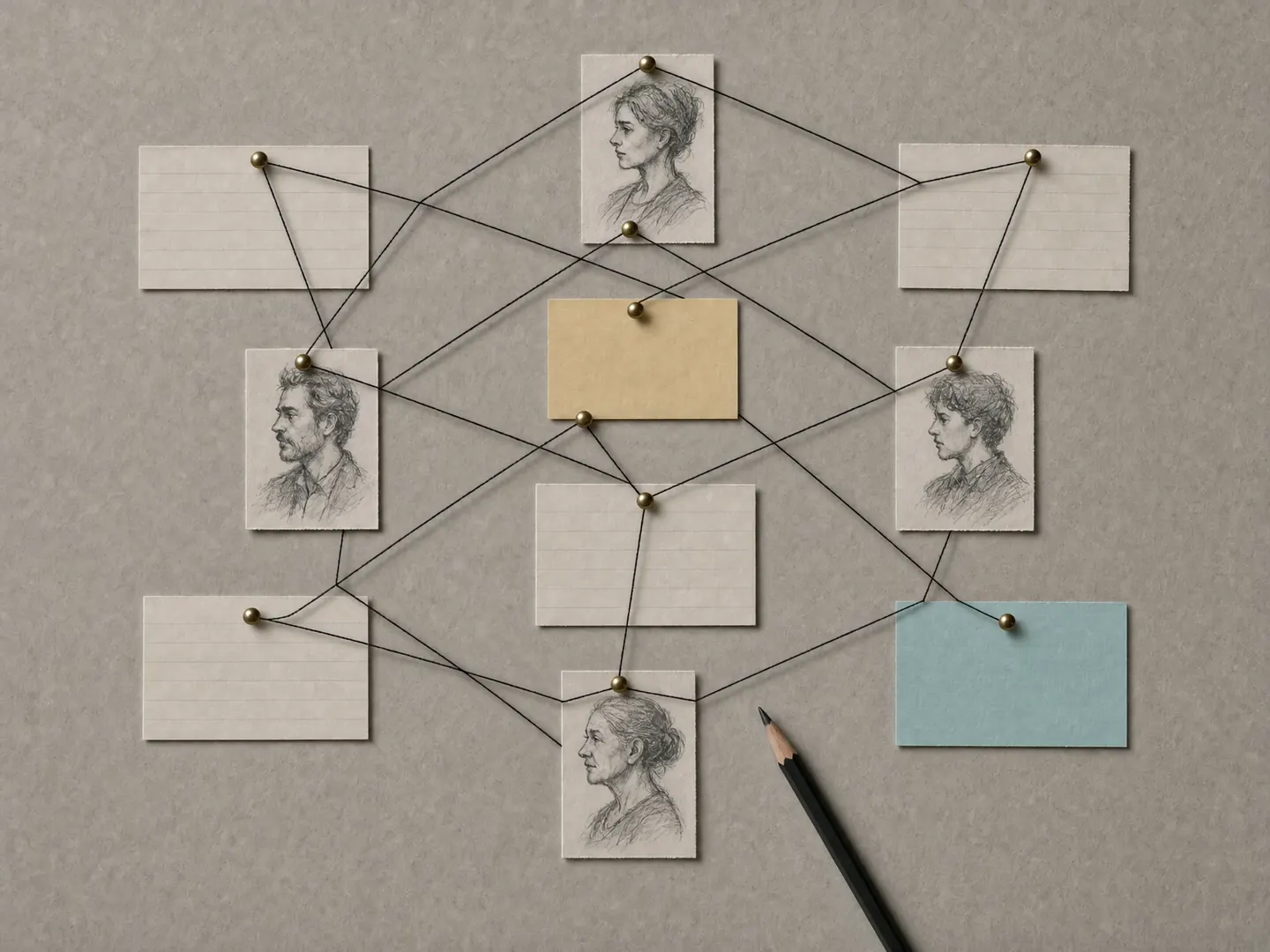
Index cards and pencil portraits pinned to a board, joined with black thread into a map of who knows whom in a story.

Why a story bible

A novel is a few hundred facts that all have to agree

Eye colours, ages, who owes whom, which town is two days north. Writers have always kept these in notebooks and on index cards. A chat window keeps a handful of them for one afternoon.

3Columns keeps them beside the manuscript, where you and your model read from the same page.

  • You paste the same backstory into every new chat.

    One story bible lives beside the manuscript, and every model reads from it.

  • By chapter twelve the model has forgotten who is related to whom.

    Relationships are written down once, and the model looks them up.

  • Your notes say one thing and chapter nine says another.

    Ask whether an age is consistent and the model checks every chapter it appears in.

Inside an entry

More than a page of notes

Six kinds of entry

Characters, places, plotlines, items, themes and notes. Nonfiction adds sources, magazines add contributors.

  • Attributes that prompt you. Role, age, look, wants and voice for a character. Look and mood for a place. Stakes and resolution for a plotline. Owner and significance for an item.
  • Aliases. The captain, Mara, Ms Venn: every name a character goes by.
  • Pictures. Portraits, maps and mood boards, with captions, that also keep generated illustrations consistent.

Relationships in plain words

Link any two entries with a label you choose, read as a sentence.

Linked to the chapters

Every entry knows where it appears, and every chapter shows who is in it.

  • Names light up in your prose. Characters in yellow, places in cyan, as you write.
  • Named but not linked. 3Columns lists the chapters that mention an entry without a link, with Link, Not here and Link all.
  • Plotline beats. Numbered beats, each placed in the chapter where it happens.

With your AI

Let the model do the filing

Starting from a draft? Ask your model to read the first chapters and draft entries for everyone it meets. It links each one to the chapters it found them in, and you edit what it wrote.

Draft entries

Read Chapters 1 to 3 and create an entry for every named character and place.

Check continuity

Is Mara's age consistent with her entry in every chapter she appears in?

Map the plot

Add beats to The unpaid crossing for each chapter that moves it forward.

Works with Claude, ChatGPT through Codex and Gemini through Gemini CLI. Connect your model. The assistant sends up to 12 linked entries with every action.

A model is only as good as what it knows about your book. Give it every character, every place and every thread.

Questions

Before you start

What is a story bible?

A reference of the facts in a book: who the characters are, where things happen, which plotlines run through it and how they connect. In 3Columns each entry is linked to the chapters it appears in.

What can go in an entry?

A summary, aliases, attributes such as role, age, look, wants and voice, relationships to other entries, plotline beats, pictures with captions and notes.

Can AI fill in the story bible for me?

Yes. Ask your model to read your chapters and draft entries for everyone it meets. It links each entry to the chapters it found it in, and you edit what it wrote.

Does the story bible need AI?

No. Entries, links and name spotting all work on your Mac without a model, and they are free.

How does the model use the story bible?

Your own model looks entries up through MCP whenever it needs them. The assistant sends up to 12 entries linked to the section with every action, with their summaries and attributes.

Start your book on your Mac

3Columns is free to download and needs no account. Connect the model you already use, and add the Writer plan only if you want the assistant. Cancel it any time.

Download for Mac

Needs macOS 14 or later.

A stack of manuscript pages tied with string beside a finished cloth bound book.